WordPress Security Plugin
WPAuditor monitors WordPress attacks, suspicious sessions, file changes, and login abuse. Investigate and respond faster with AI-assisted analysis and file forensics.
See how WPAuditor detects suspicious WordPress requests, scores risk, and supports faster investigation and response.
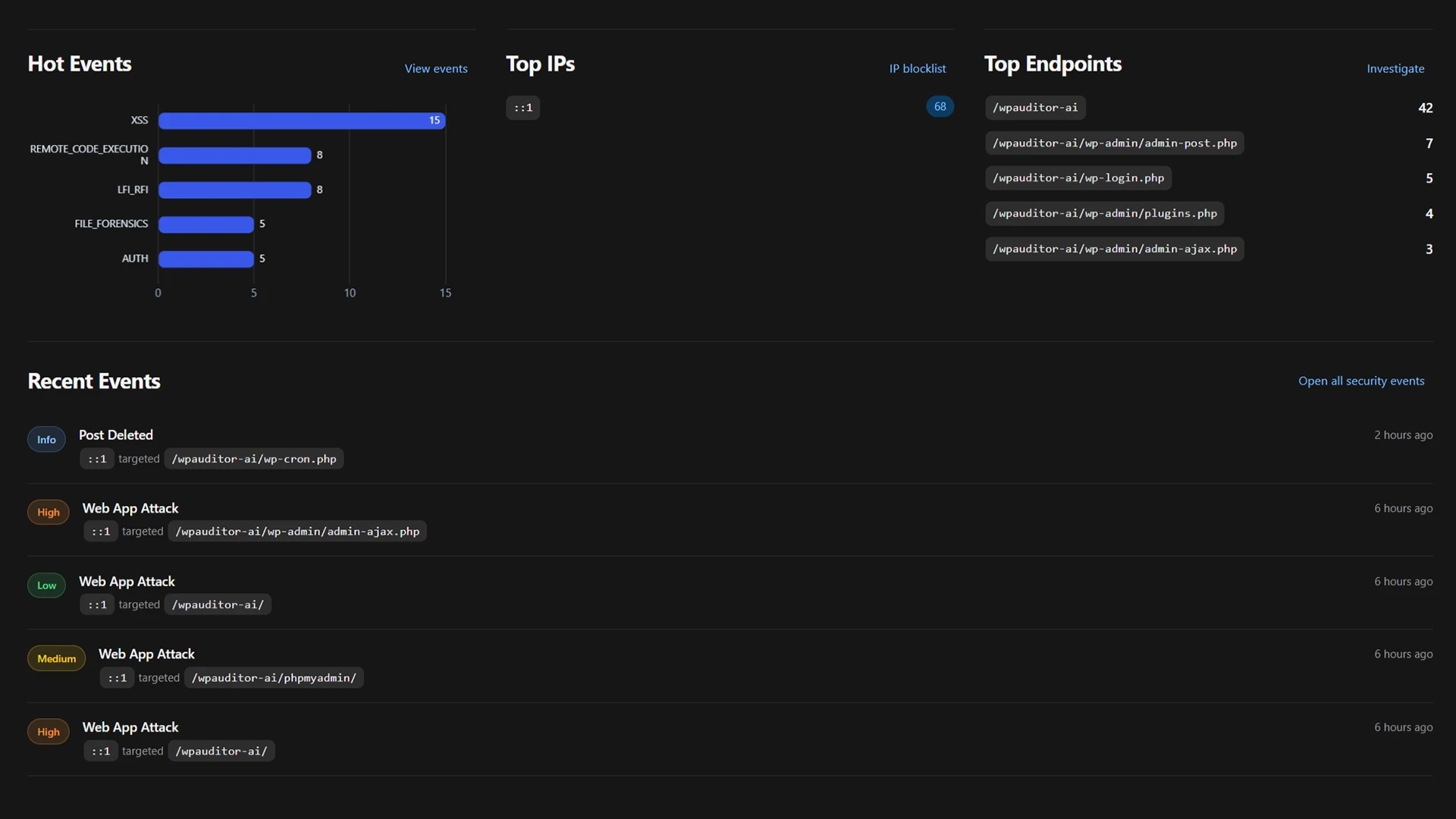
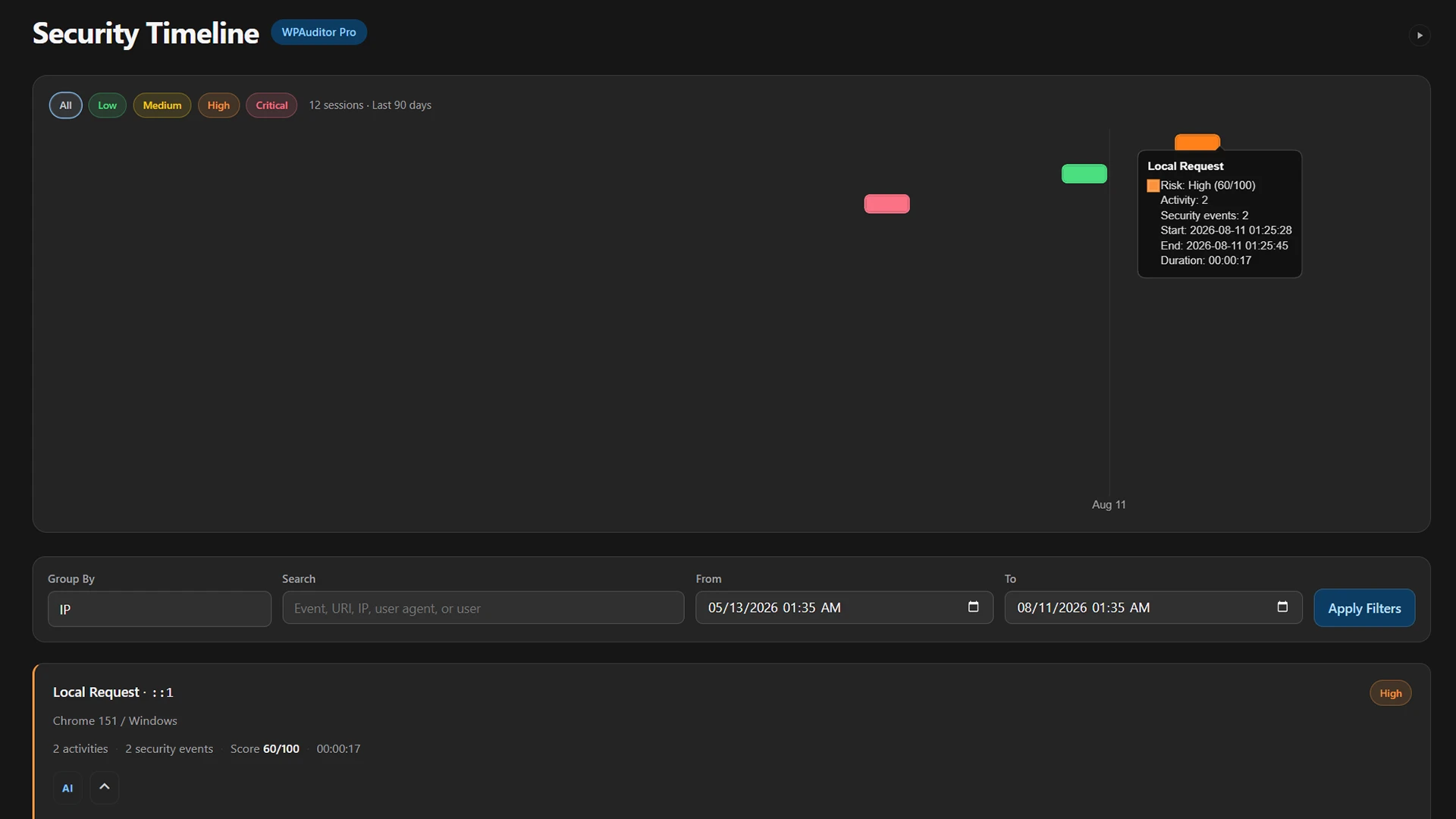
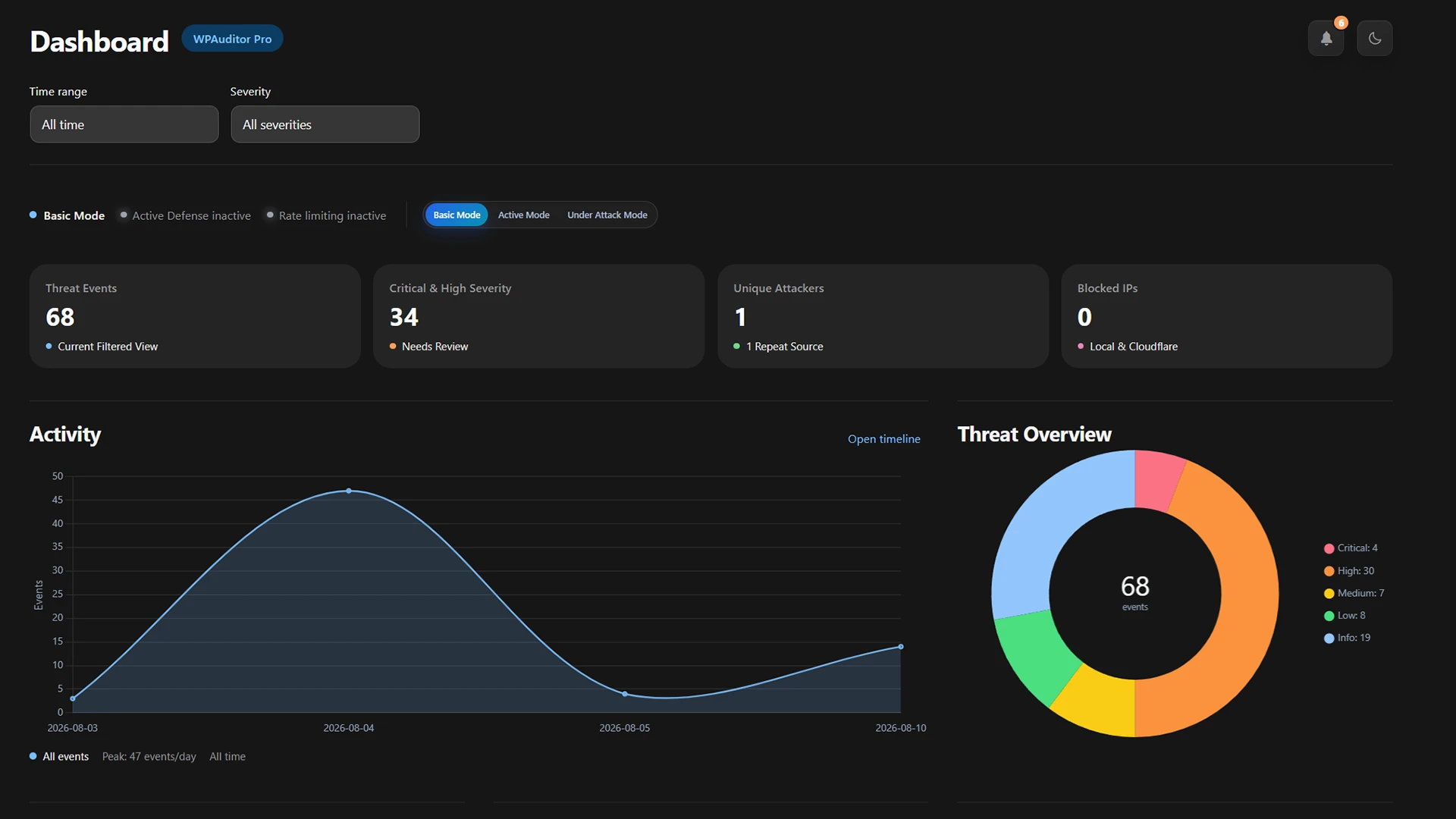
Explore connected security events, attack trends, protection status, and source details in one investigation-ready dashboard.
Monitor threats, investigate with AI, and respond—all inside WordPress.
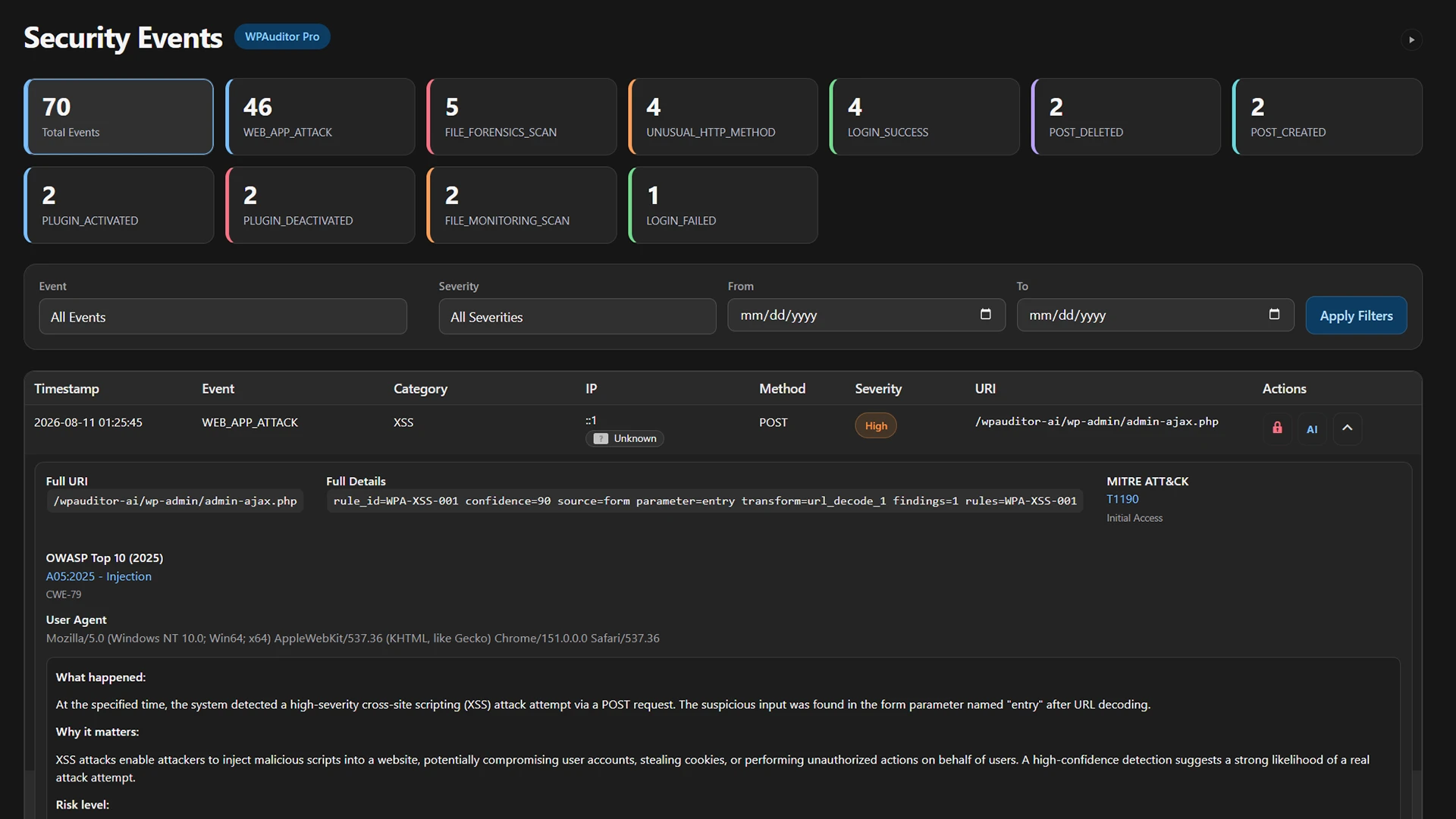
See logins, plugin and theme changes, file activity, and suspicious requests with IP, method, URI, user agent, severity, category, and MITRE ATT&CK and OWASP context.
Use charts, summaries, live logs, and a correlated timeline to follow related activity by IP address, user agent, WordPress user, severity, and event type.
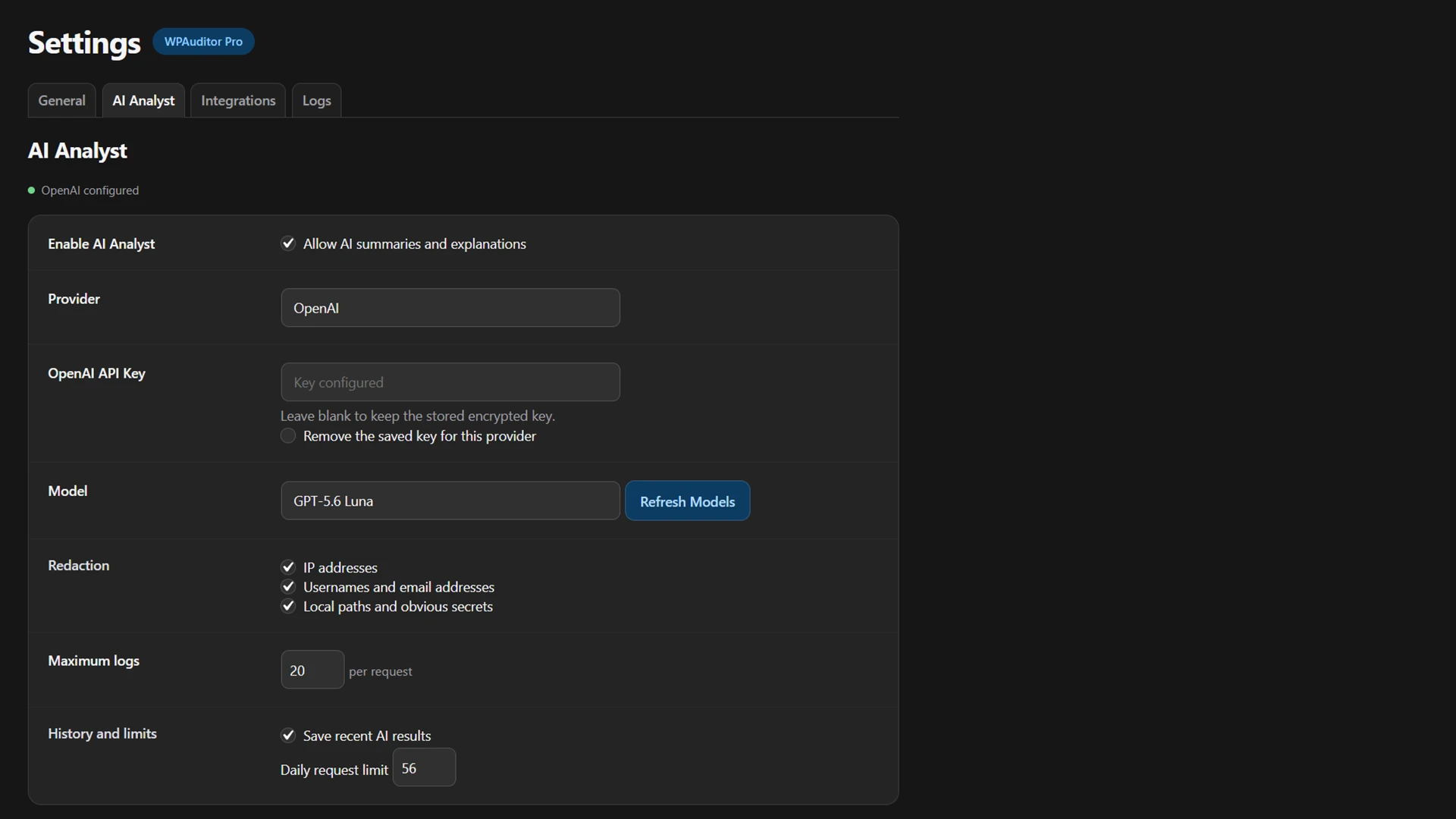
Explain suspicious activity, summarize recent events, preserve analysis history, and receive recommended manual investigation steps using 25+ models across eight supported AI provider options.
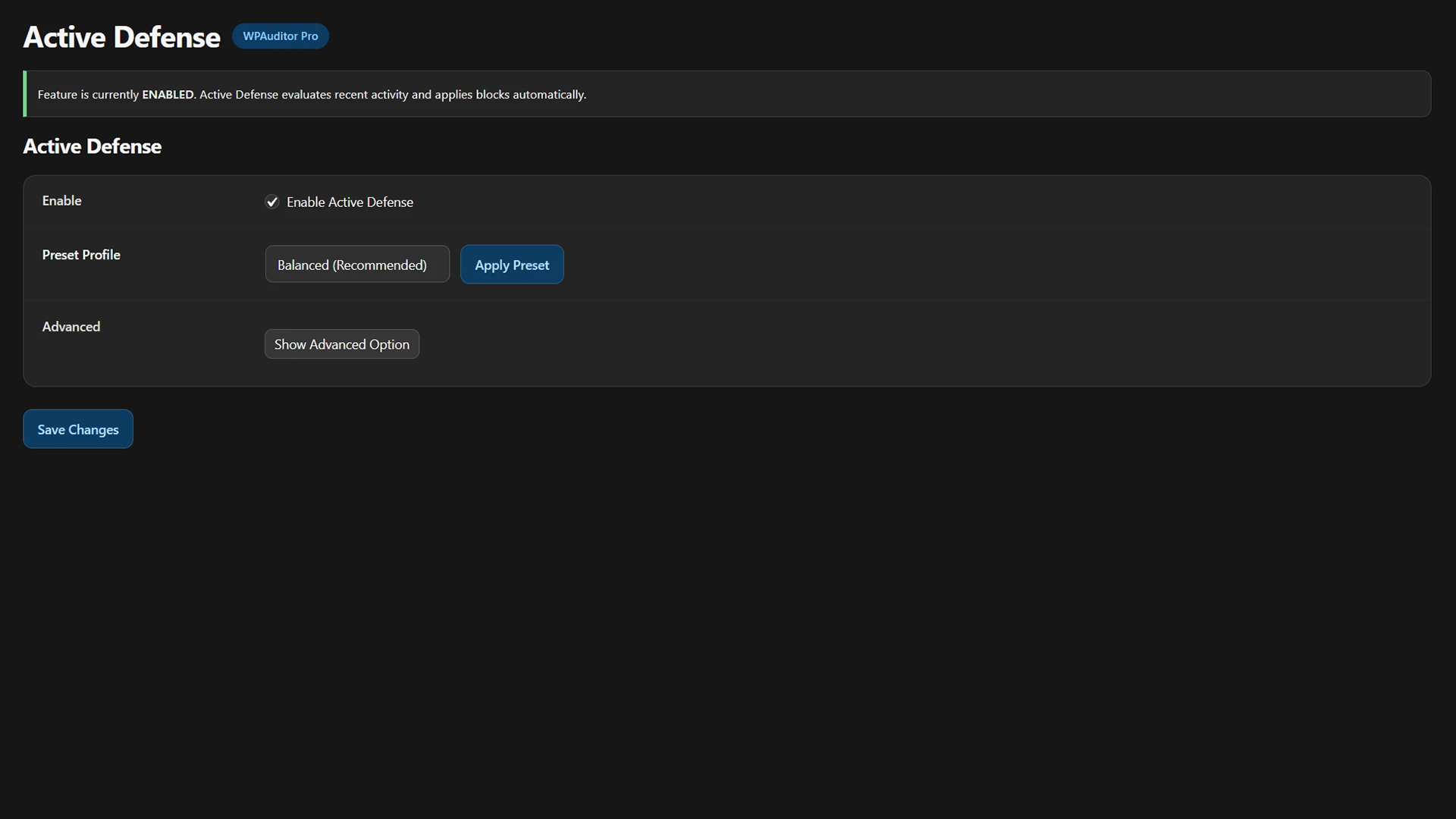
Score related security events, identify abusive behavior, and apply temporary or permanent IP blocks when configured risk thresholds are reached.
Track repeated failed sign-ins by IP address and temporarily lock authentication after configurable attempt, detection-window, and lockout thresholds are exceeded.
Apply configurable request limits to reduce abusive traffic and denial-of-service pressure while preserving visibility into rate-limited activity.
Inspect WordPress requests for patterns associated with SQL injection, cross-site scripting, remote code execution, local file inclusion, scanning, and login abuse.
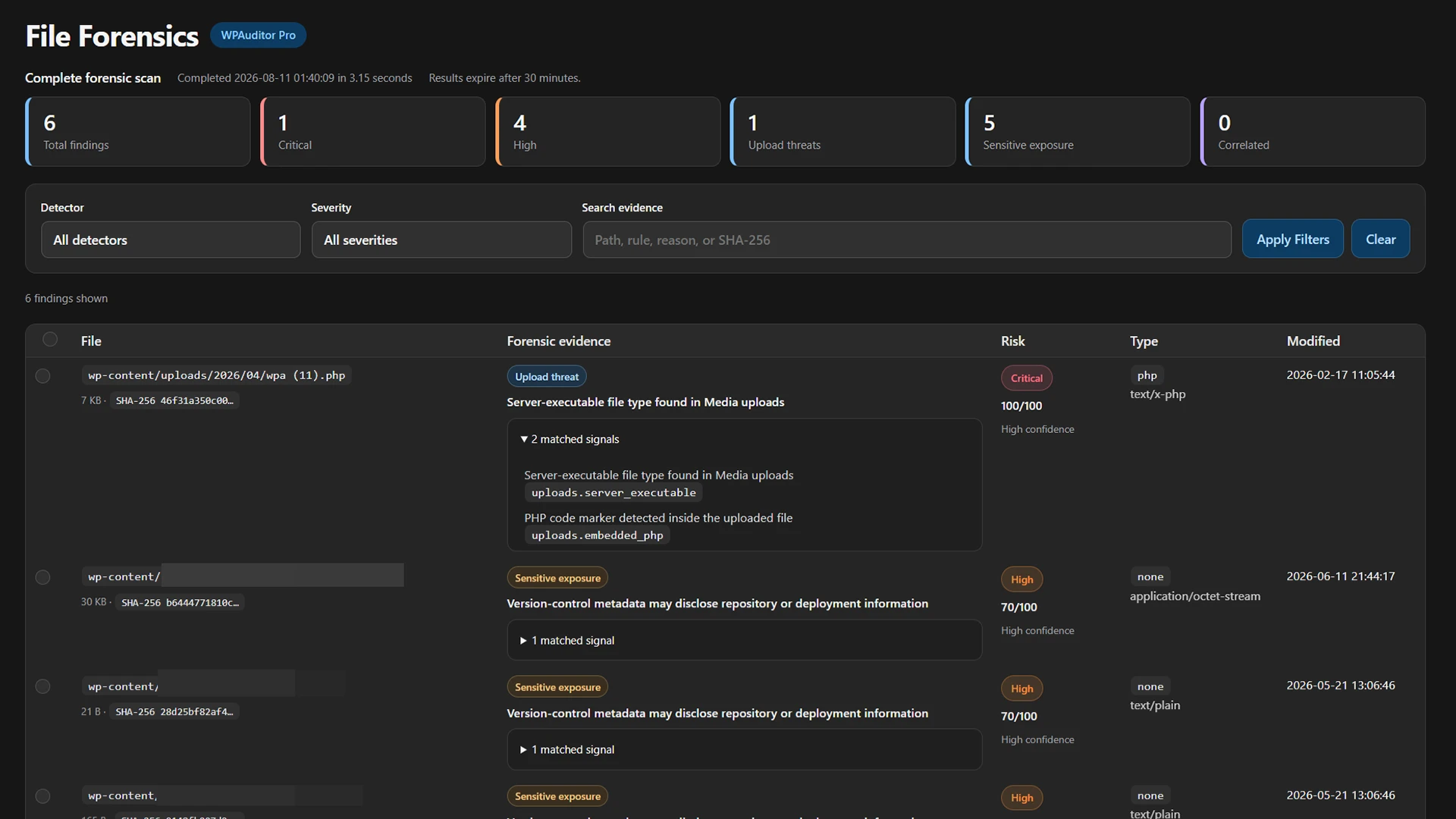
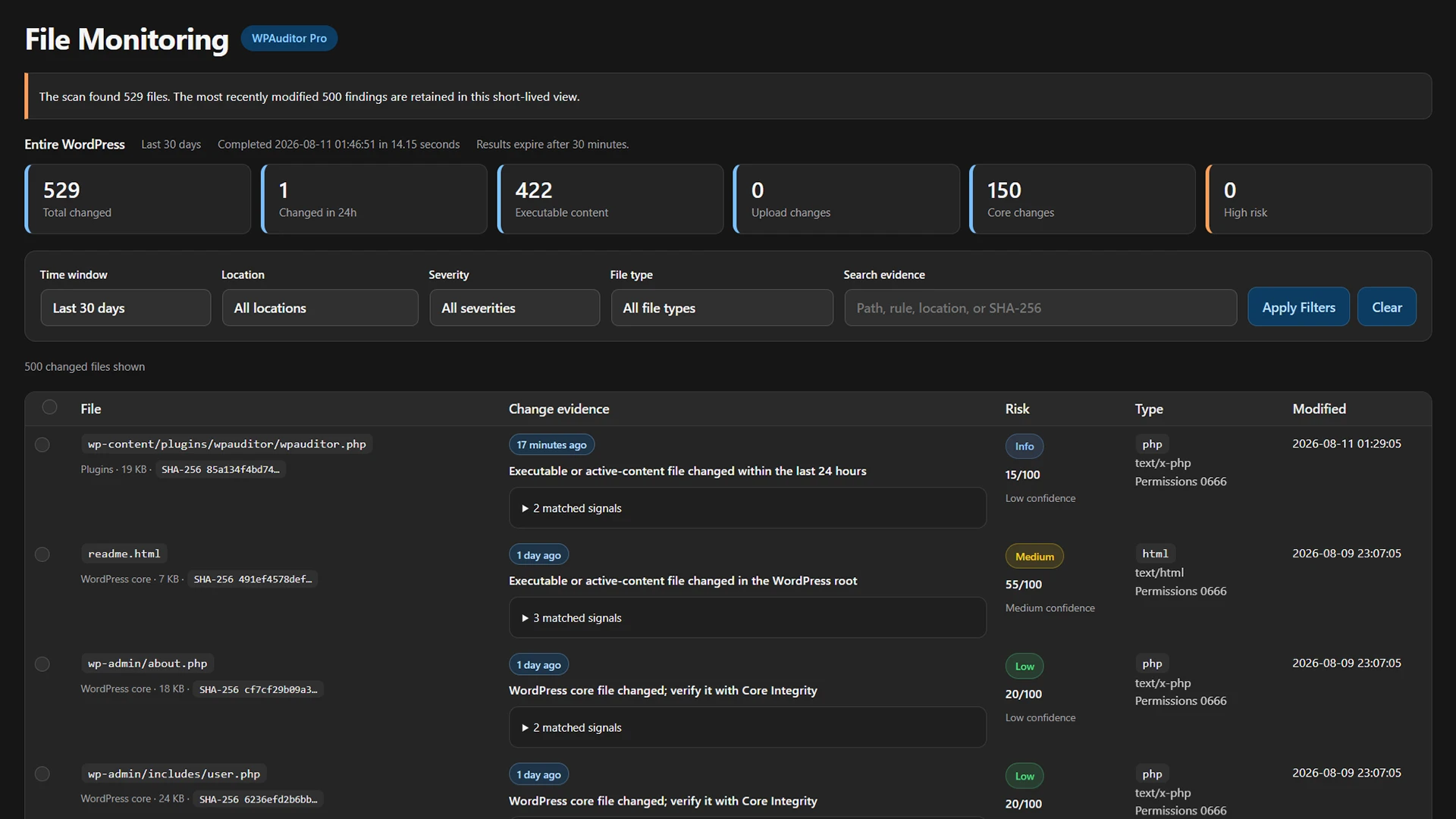
Scan uploads and the WordPress file tree for suspicious executables, exposed credentials, database dumps, private keys, backup copies, and correlated forensic signals.
Review recently modified files and verify WordPress core files against official checksums to identify unexpected changes that need investigation.
Quarantine suspicious files, restore reviewed items, or permanently delete quarantined files through controlled actions inside WordPress admin.
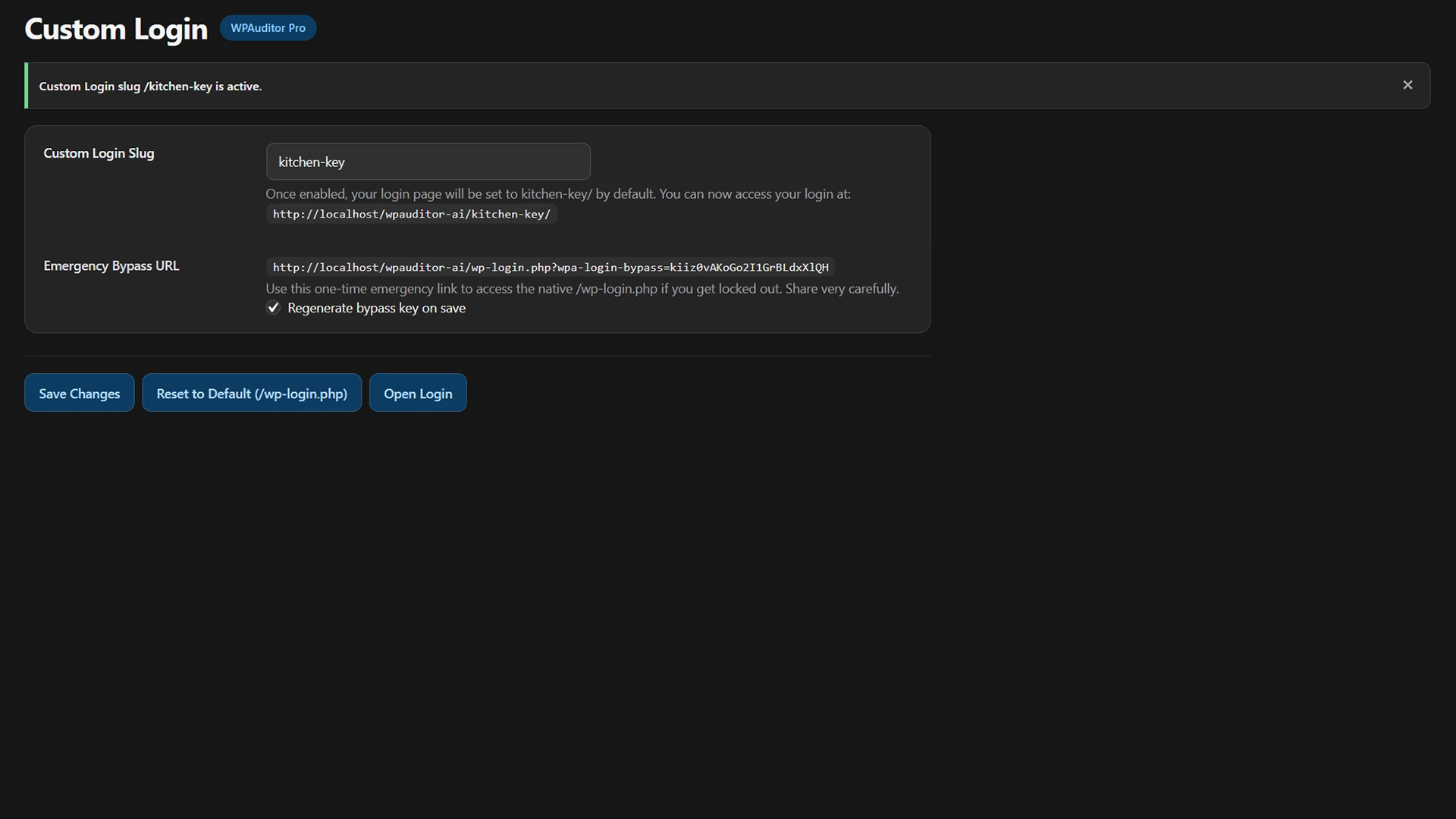
Configure password policies, use a custom login URL, block XML-RPC, restrict unauthenticated REST API access, and hide public user endpoints to reduce WordPress exposure.
Block or unblock IP addresses locally and synchronize configured blocks with Cloudflare so unwanted traffic can be stopped before it reaches WordPress.
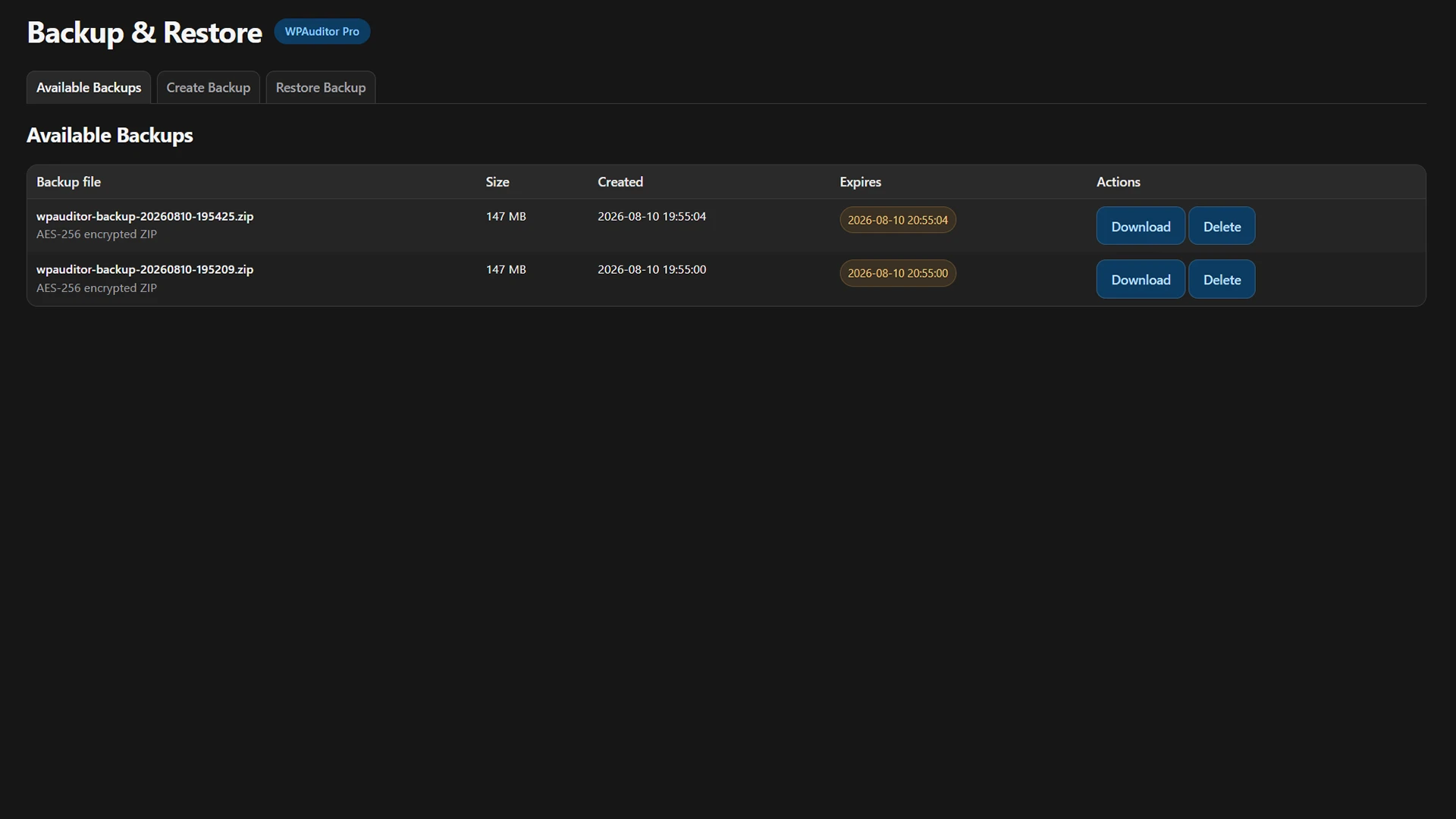
Create a password-protected backup containing WordPress files and the database, validate the encrypted ZIP archive, and restore the complete site from the dashboard.
Run controlled simulations for brute force attempts, SQL injection, cross-site scripting, and suspicious uploads to verify that security events are detected.
Filter high-volume security events, download the complete log, clean selected date ranges, and apply scheduled retention from 30 to 180 days.
Compare WPAuditor, Wordfence, Sucuri, and AIOS across visibility, investigation, protection, hardening, and response.
| Product | Primary security focus |
|---|---|
| WPAuditor Security visibility layer | WordPress security visibility, event investigation, AI-assisted analysis, file forensics, and response actions inside WordPress admin. |
| Wordfence | Endpoint firewall protection, malware scanning, threat intelligence, login security, and centralized management for WordPress sites. |
| Sucuri | Cloud-based website firewall and CDN protection, external monitoring, malware removal, and managed incident-response services. |
| AIOS | Broad WordPress hardening, firewall rules, login protection, file and database security, spam prevention, and audit logging. |
Reviewed August 2026 Positioning is summarized from official product descriptions. Features vary by plan and configuration. Sources: Wordfence, Sucuri, and AIOS.
WPAuditor’s security visibility approach was presented at Phoenix Summit 2026 in Dhaka and WordCamp Rajshahi 2026.
Dhaka, Bangladesh
Rajshahi, Bangladesh
Presentation photo: WordCamp Rajshahi 2026
“It feels like having a clear security command center inside WordPress. We spot suspicious activity before it becomes an incident.”
“Lightweight, fast, and the signals are actually actionable. Exactly what we needed.”
“Easy to roll out across client sites. One license per domain keeps billing clean.”
“We finally have a clear, practical view of what is happening across our WordPress environment.”
Clear answers about WordPress security visibility, AI-assisted analysis, file forensics, compatibility, and licensing.
Explore the documentationWPAuditor is a WordPress security plugin that provides a focused visibility layer for monitoring security events, investigating suspicious activity, analyzing risk, performing file forensics, and taking response actions inside WordPress admin.
It means WPAuditor helps you see and understand what is happening across your WordPress site. It brings related security signals, session context, severity, timelines, and response actions into one dashboard instead of presenting isolated alerts.
WPAuditor can monitor suspicious requests, login abuse, file changes, plugin and theme activity, blocked IPs, rate-limited traffic, user sessions, and events associated with common WordPress attack patterns.
Not necessarily. Wordfence, Sucuri, and AIOS primarily emphasize protection, hardening, scanning, or managed response. WPAuditor can complement those tools by adding security-event visibility, investigation context, AI-assisted analysis, file forensics, and response workflows inside WordPress.
AI Analyst explains suspicious activity, summarizes recent events, preserves analysis history, and recommends manual investigation steps. WPAuditor supports more than 25 models across eight configurable AI provider options.
WPAuditor combines four core workflows: suspicious-file scanning, recently modified file review, WordPress core integrity verification, and controlled quarantine with restore or permanent deletion actions.
No. WPAuditor is designed to provide its security capabilities without creating extra custom database tables in your WordPress database.
Yes. You can start with the free version of WPAuditor. Eligible paid purchases are also protected by a 14-day money-back guarantee, subject to the published refund policy.